

DOWNLOAD THE APP
Download CertPal
Certificate and licence management for training providers and operators. Issue, track, and verify credentials from your phone, no spreadsheets, no chaos.
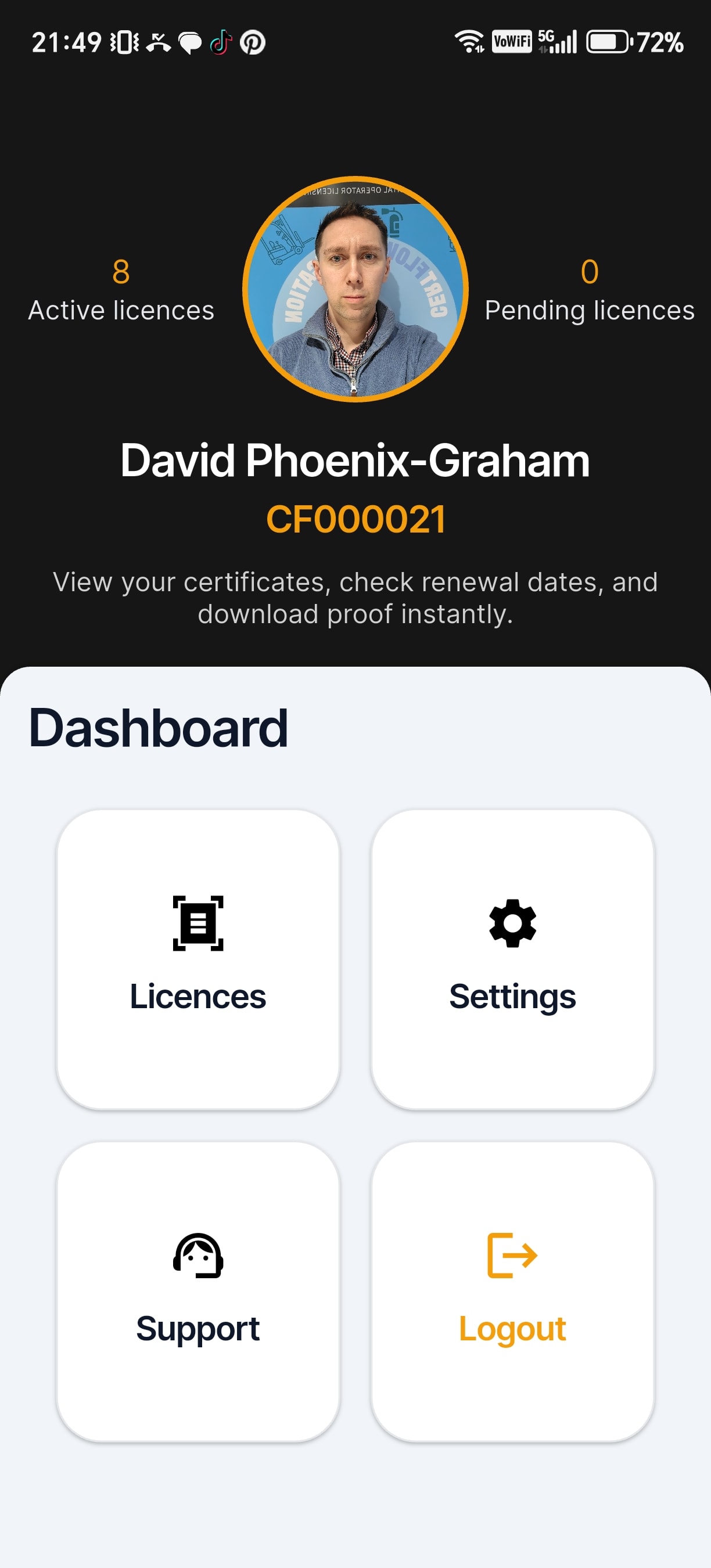
CHOOSE YOUR DEVICE
Install on iPhone or Android
CertPal is now on the App Store for iPhone. The Android version is in review with Google Play, so for now you can install it directly from this page. Pick the option that matches your phone.
Apple
iPhone
CertPal is available on the App Store. Tap the button above to open its listing and install it like any other app.
- Tap the yellow button above on your iPhone.
- Tap “Get” on the CertPal App Store page.
- Open CertPal once it has installed.
On a computer? Scan this with your iPhone camera to open CertPal in the App Store.
Android
Android phones & tablets
Because CertPal is delivered direct while our Google Play listing is in review, Android will show a security prompt the first time. This is normal for direct app installs: you’ll need to allow installs from your browser.
- Tap the yellow button above to download the APK.
- When prompted, tap “Install anyway” or allow “install from unknown sources” for your browser.
- Open the downloaded file to install CertPal.
SHARE THE APP
Show it in person, or send it remotely
In person, point a phone camera at the QR code to open this page on the device you want to install CertPal on. Sharing with someone who is not in the room? Copy the link and send it over.
NEED A HAND?
Trouble installing?
If the App Store page won’t open, the APK won’t install, or you’re stuck on a security prompt, get in touch and we’ll walk you through it.
Contact usCOMMON QUESTIONS